Skip to content
Sales

Create a Sales Order

Sales

Create a Sales Order

Step-by-step guide to creating and confirming a sales order in Odoo, from selecting a customer to generating the invoice.
9 steps Updated Mar 1, 2026 SOP · Standard
1

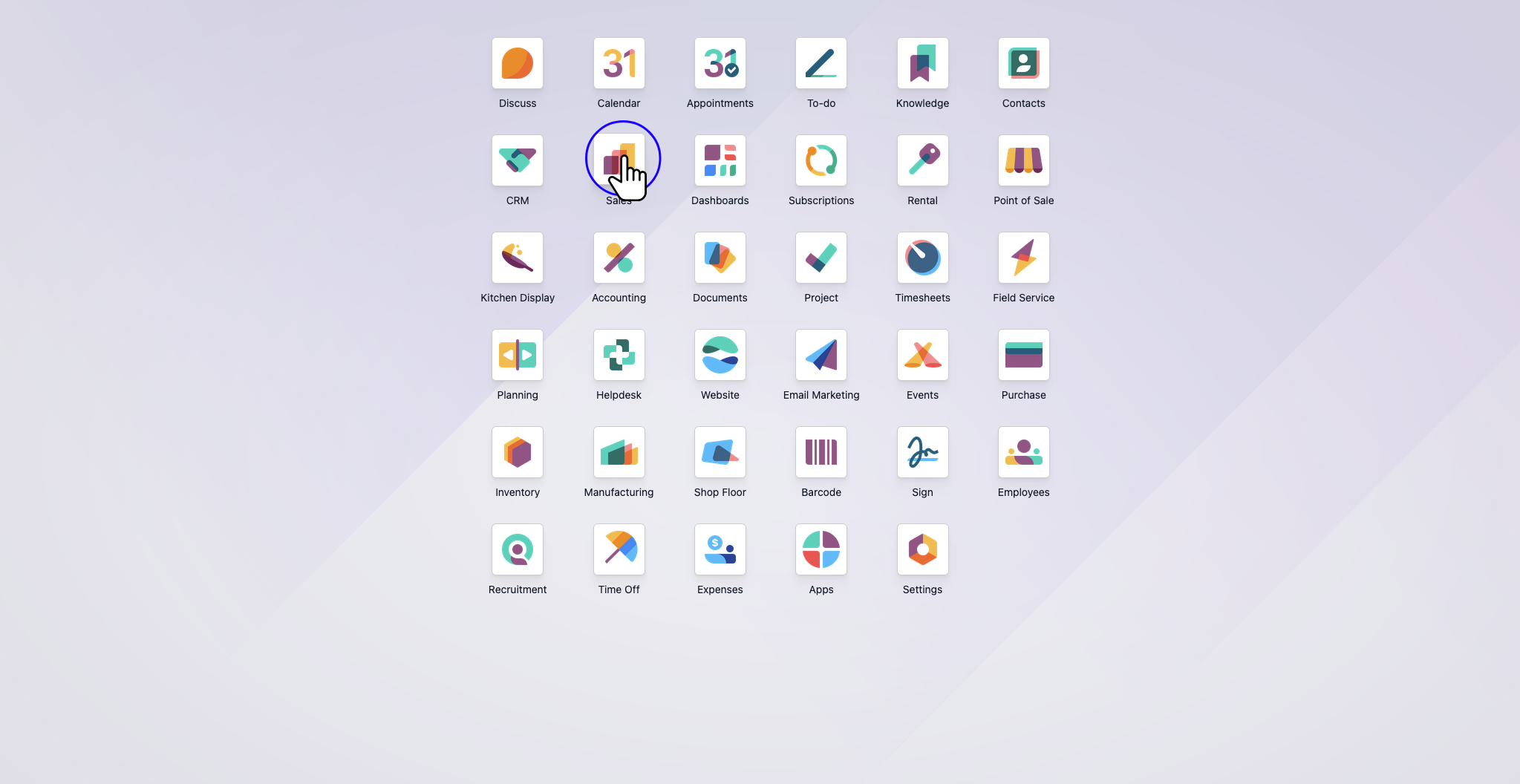
Click "Sales"

Step 1: Click "Sales"

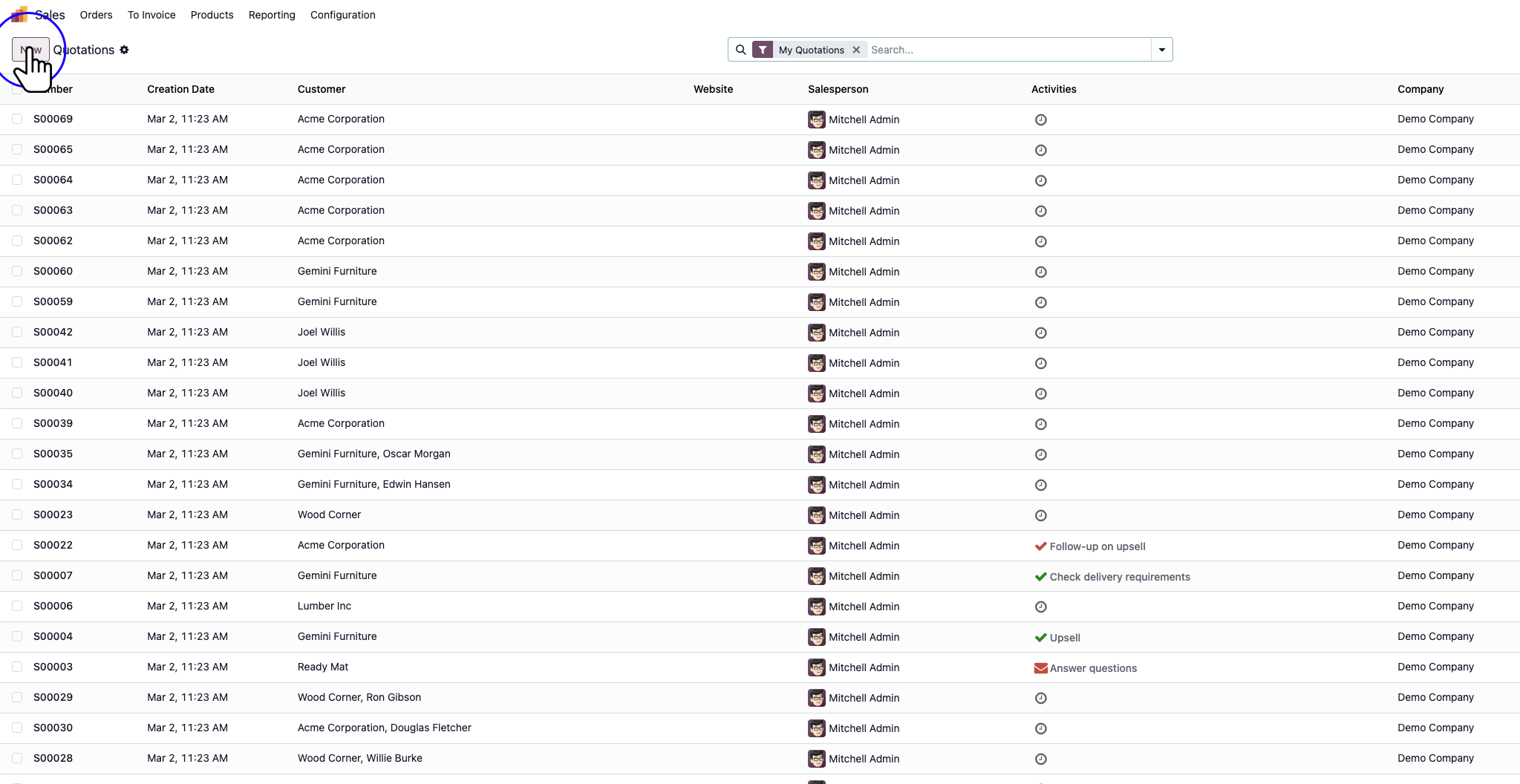
2

Click "New"

Step 2: Click "New"

3

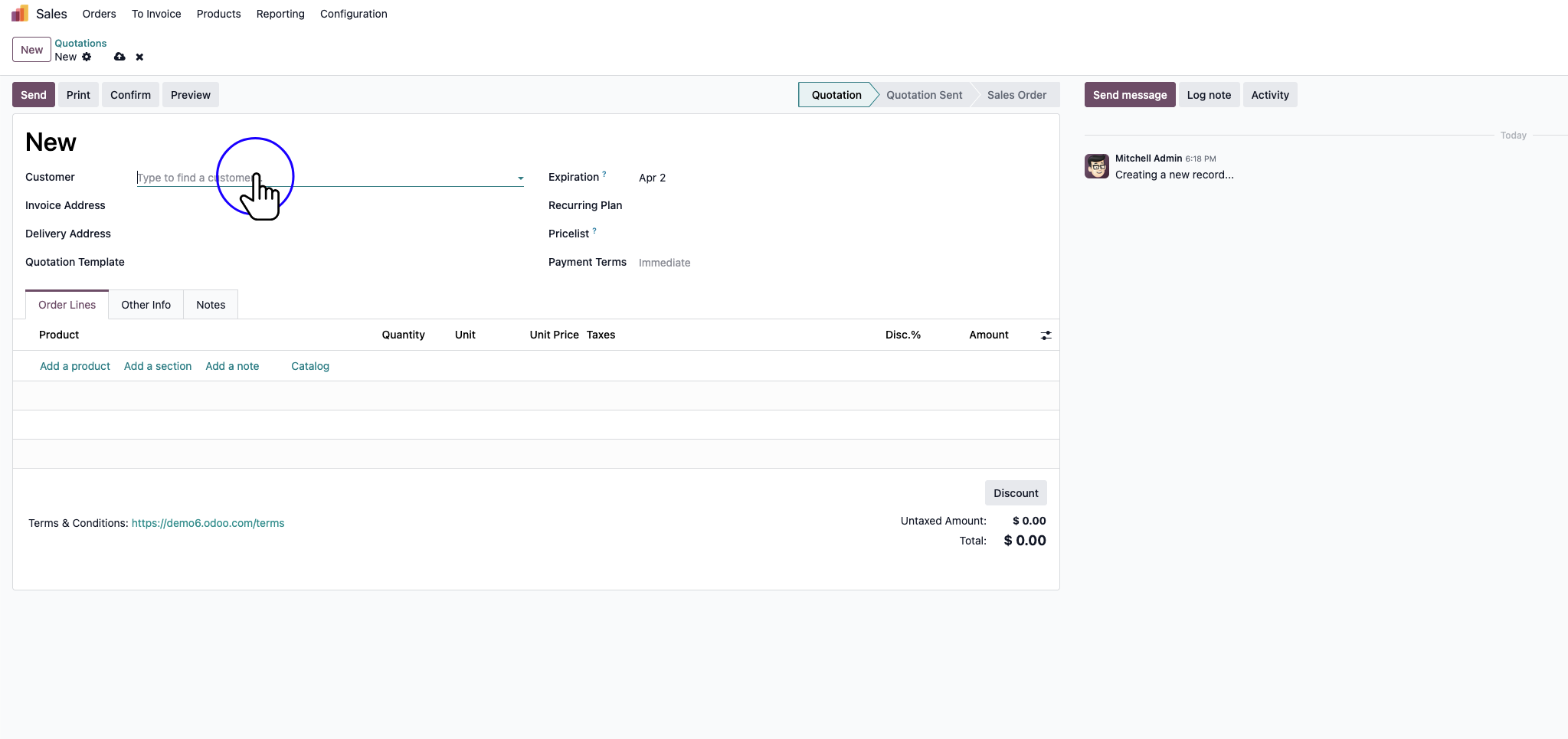
Click "Customer" Drop-Down

Step 3: Click "Customer" Drop-Down

4

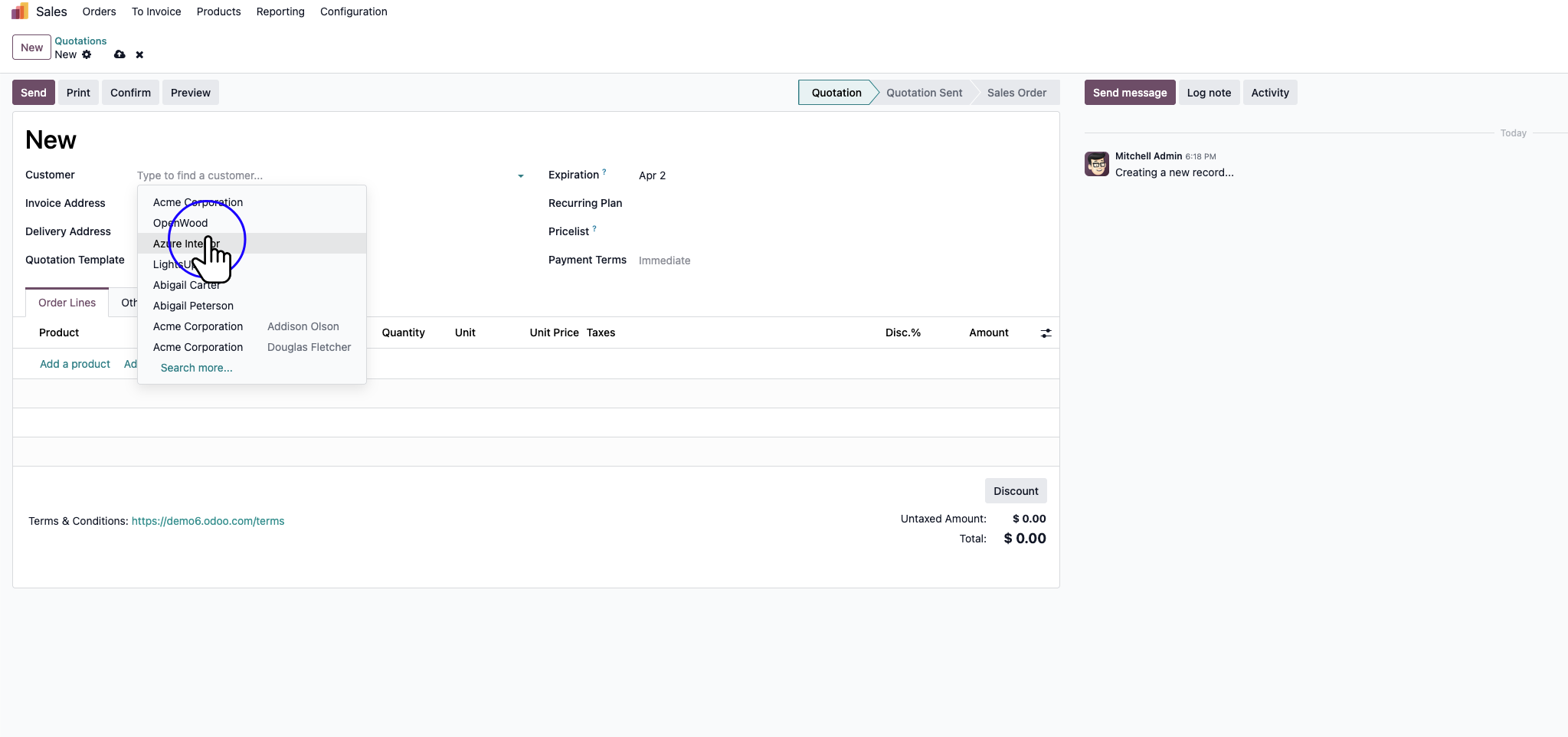
Click on the desired customer.

Step 4: Click on the desired customer.

5

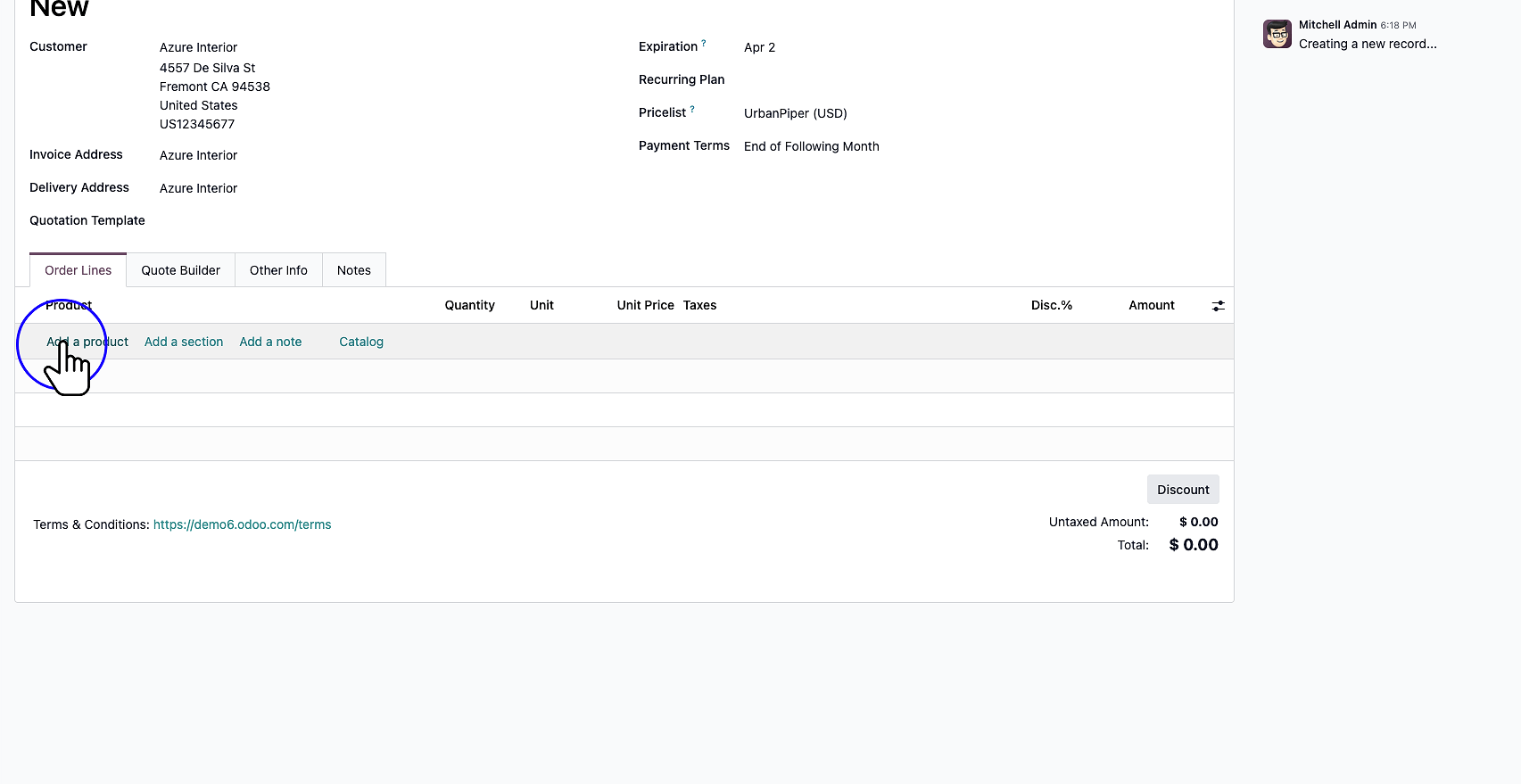
Click "Add a product"

Step 5: Click "Add a product"

6

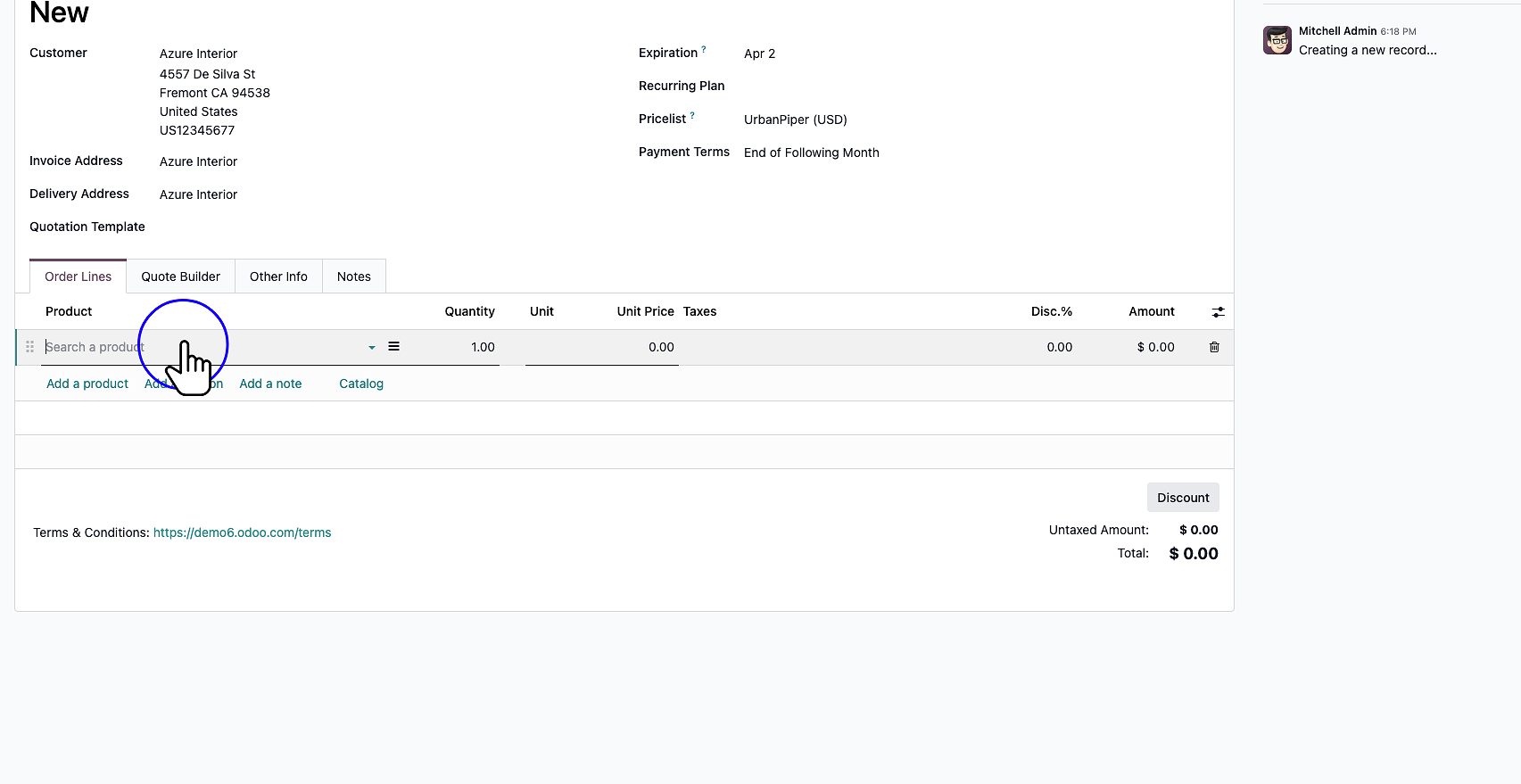
Click "Search a product"

Step 6: Click "Search a product"

7

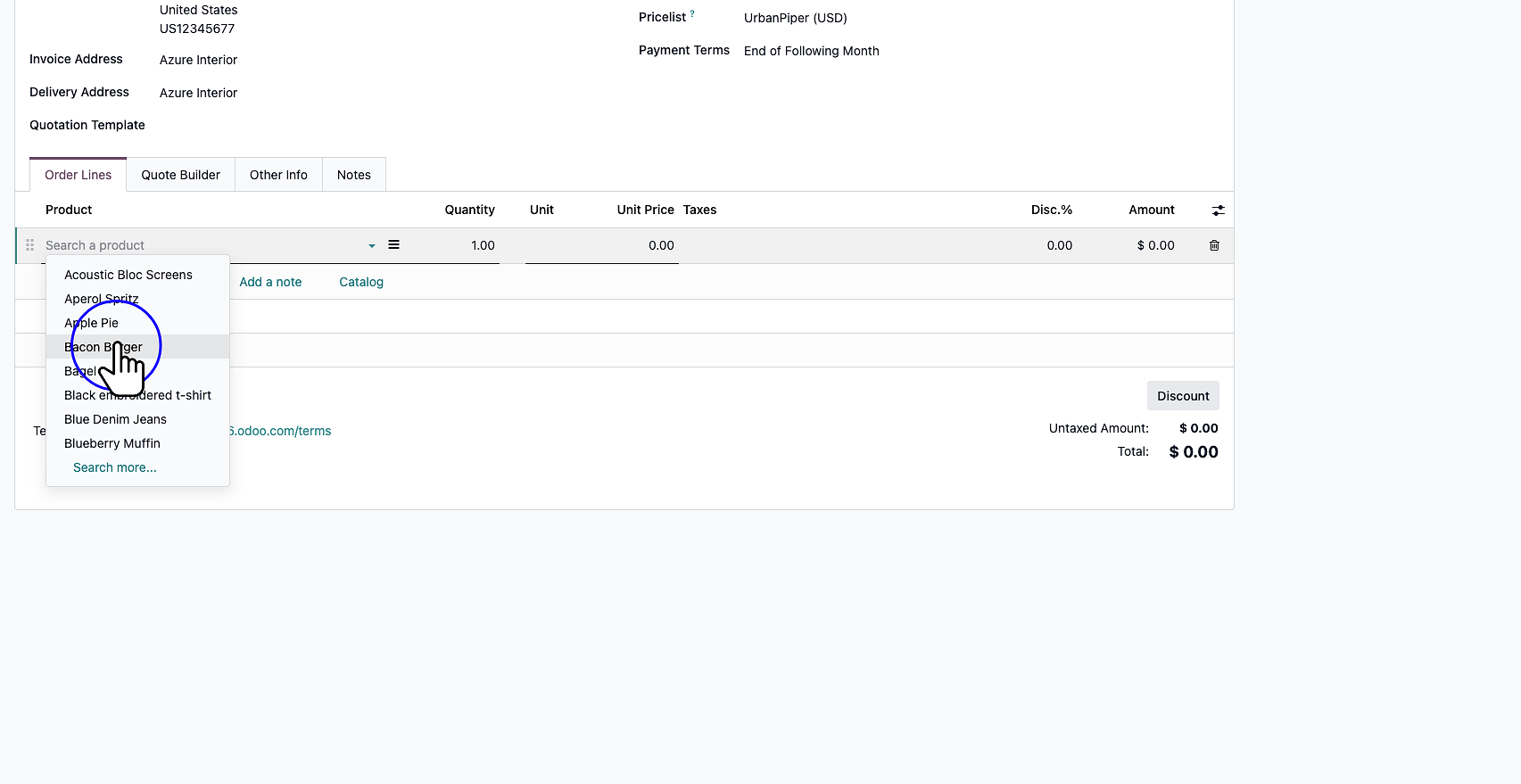
Click on the desired product.

Step 7: Click on the desired product.

8

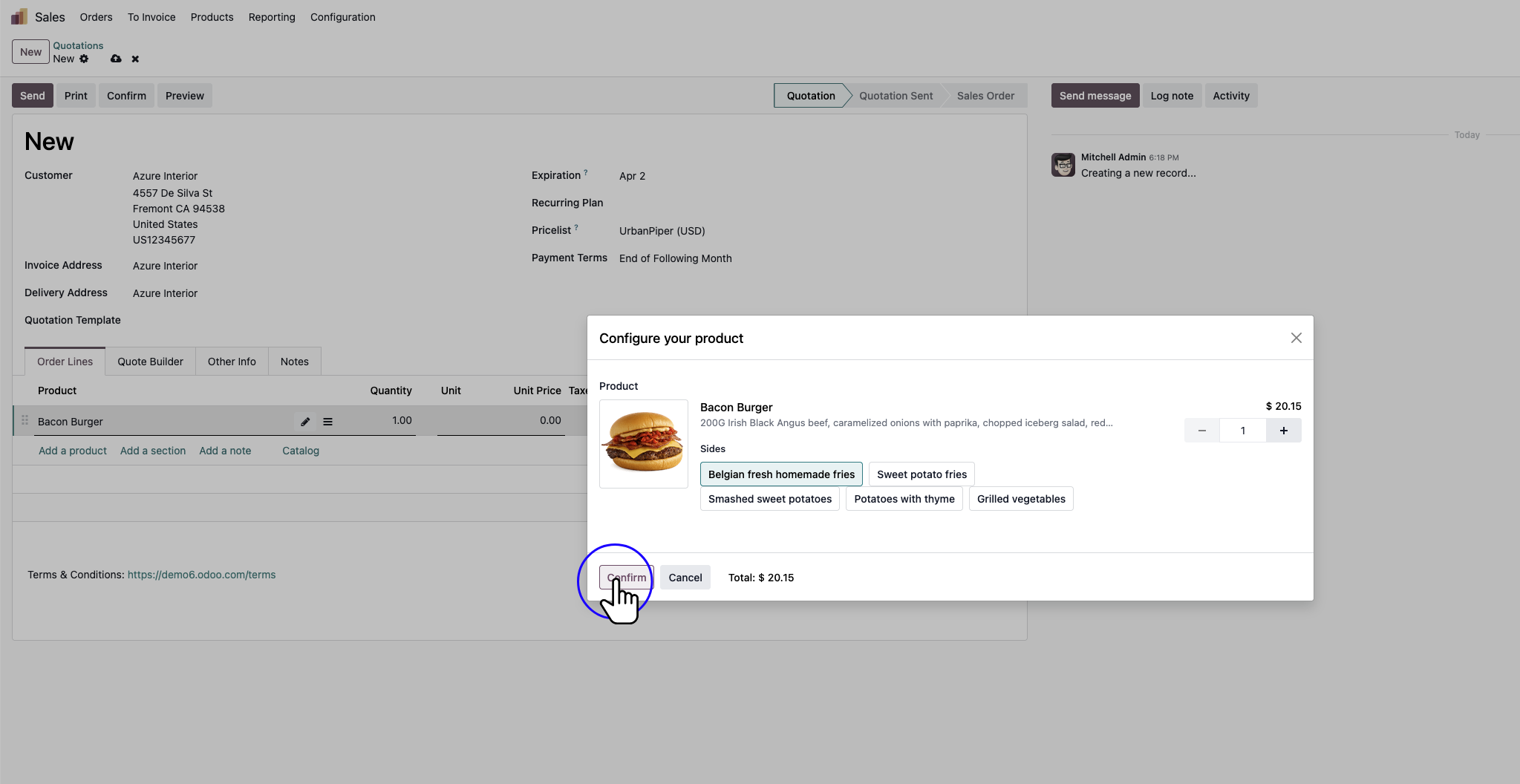
Click "Confirm"

Step 8: Click "Confirm"

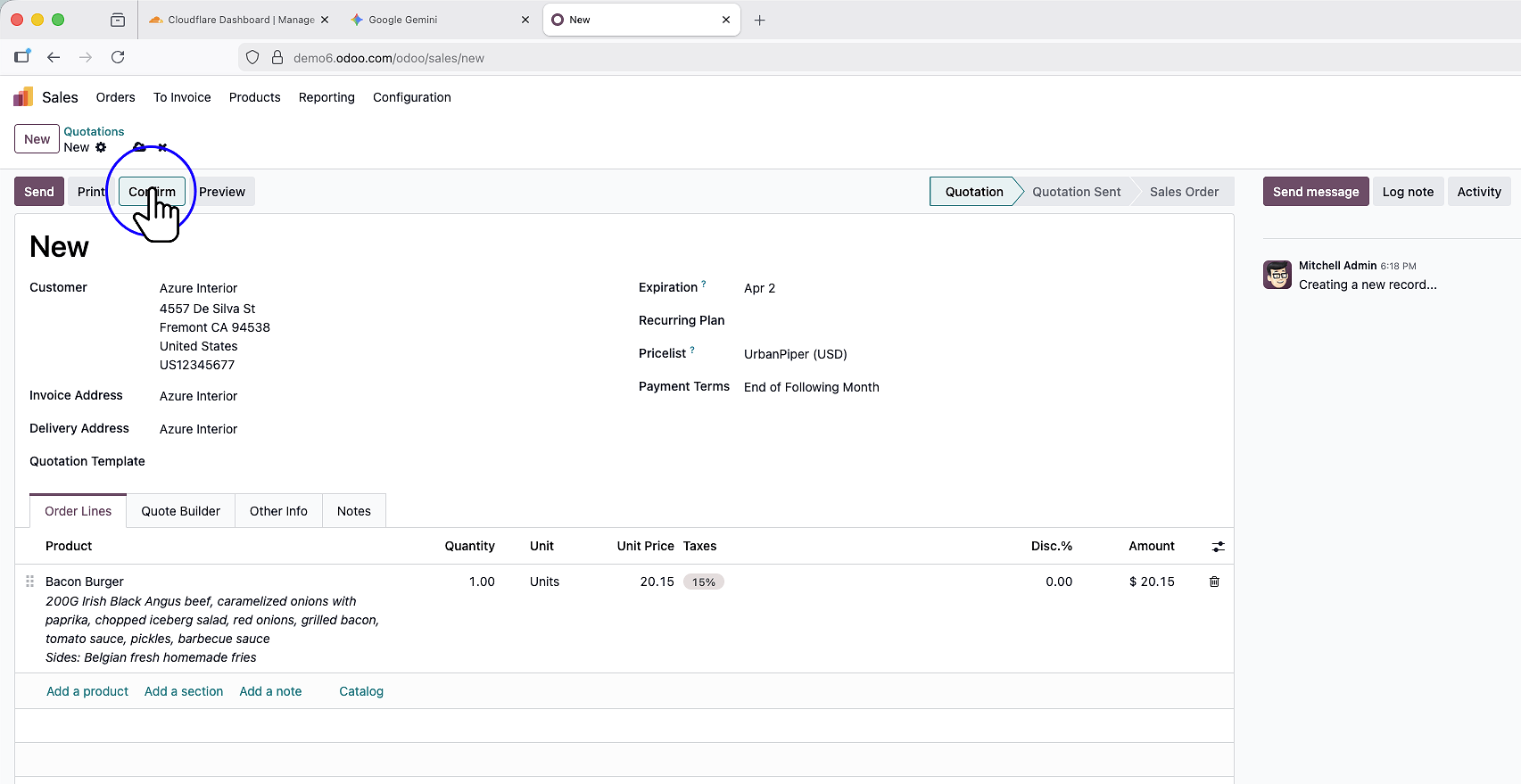
9

Click "Confirm" to approve the sales order.

Step 9: Click "Confirm" to approve the sales order.