Configure Expense Categories
Go to Expenses → Configuration → Expense Categories.
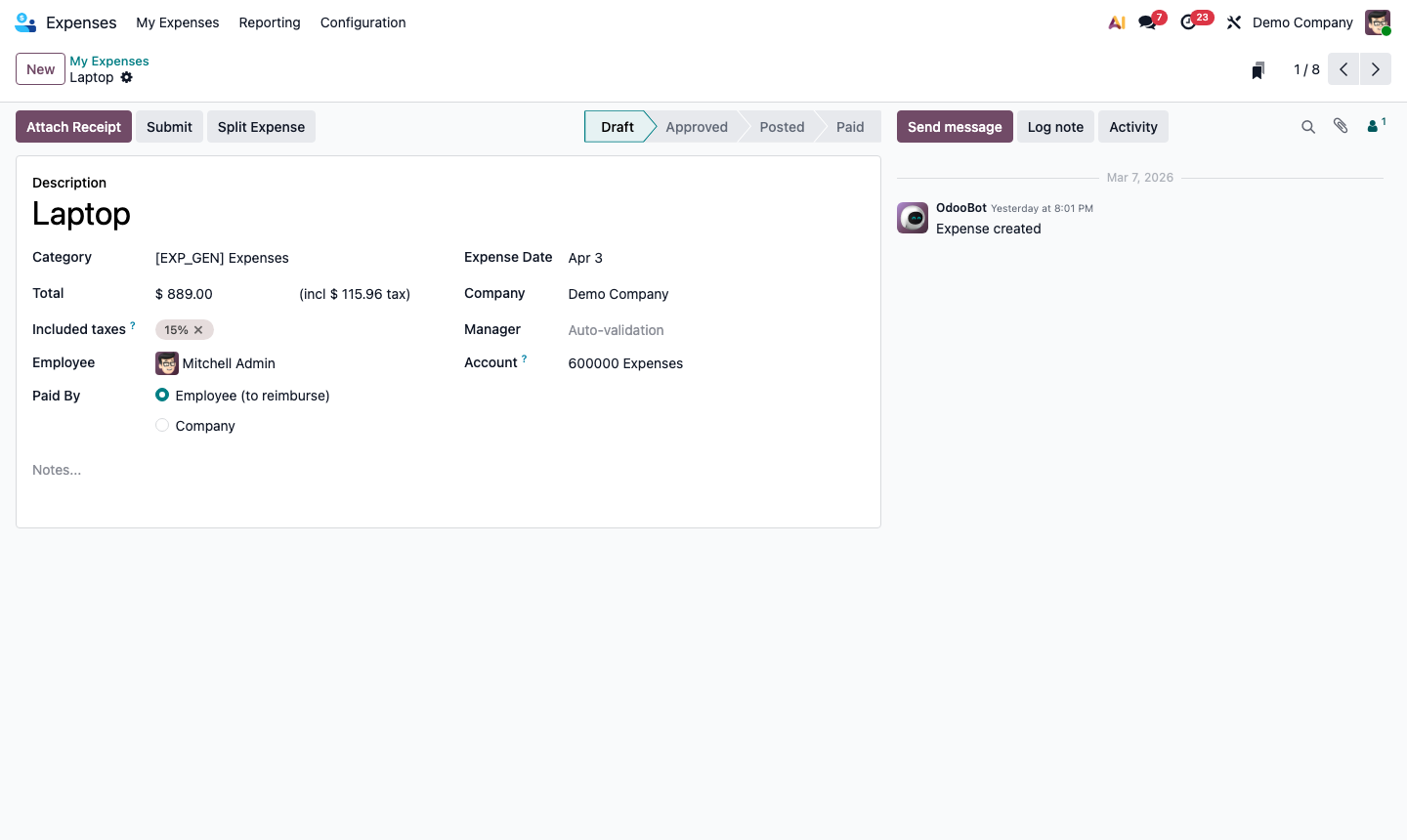
Expense categories define what can be expensed and which GL account the cost posts to. Click New:
- Expense Category Name — e.g., “Travel & Accommodation”, “Meals & Entertainment”, “Office Supplies”
- Expense Account — the GL expense account (e.g., 6210 – Travel, 6220 – Meals)
- Vendor Taxes — default tax rate on this expense type
- Re-Invoice Expenses — enable to pass expenses back to customers on projects
- Total / Unit Price — whether expenses are claimed as a total or per unit (e.g., mileage per km)
Create categories for every type of expense your employees incur regularly.