Create Subscription Plans
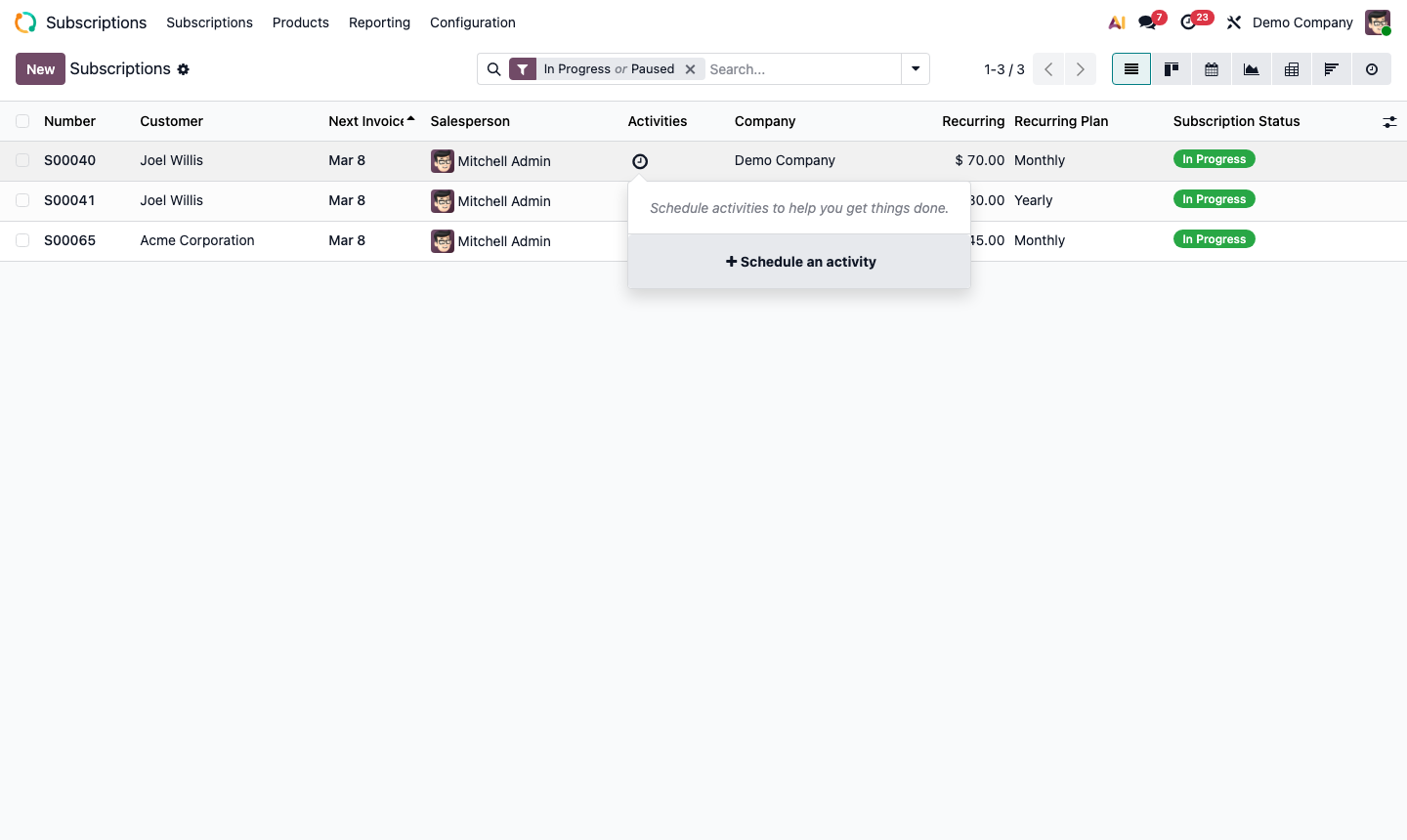
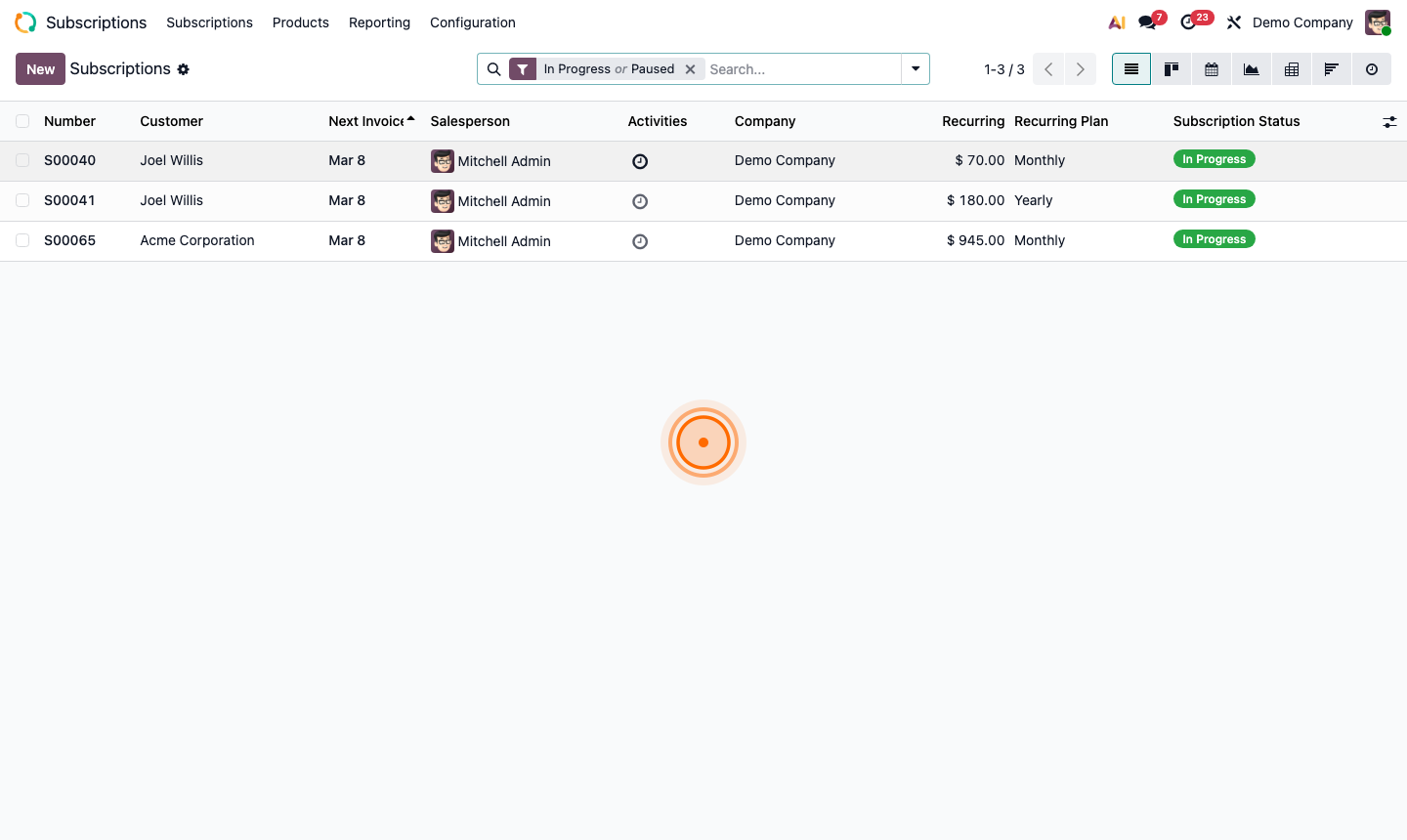
Go to Subscriptions → Configuration → Plans.
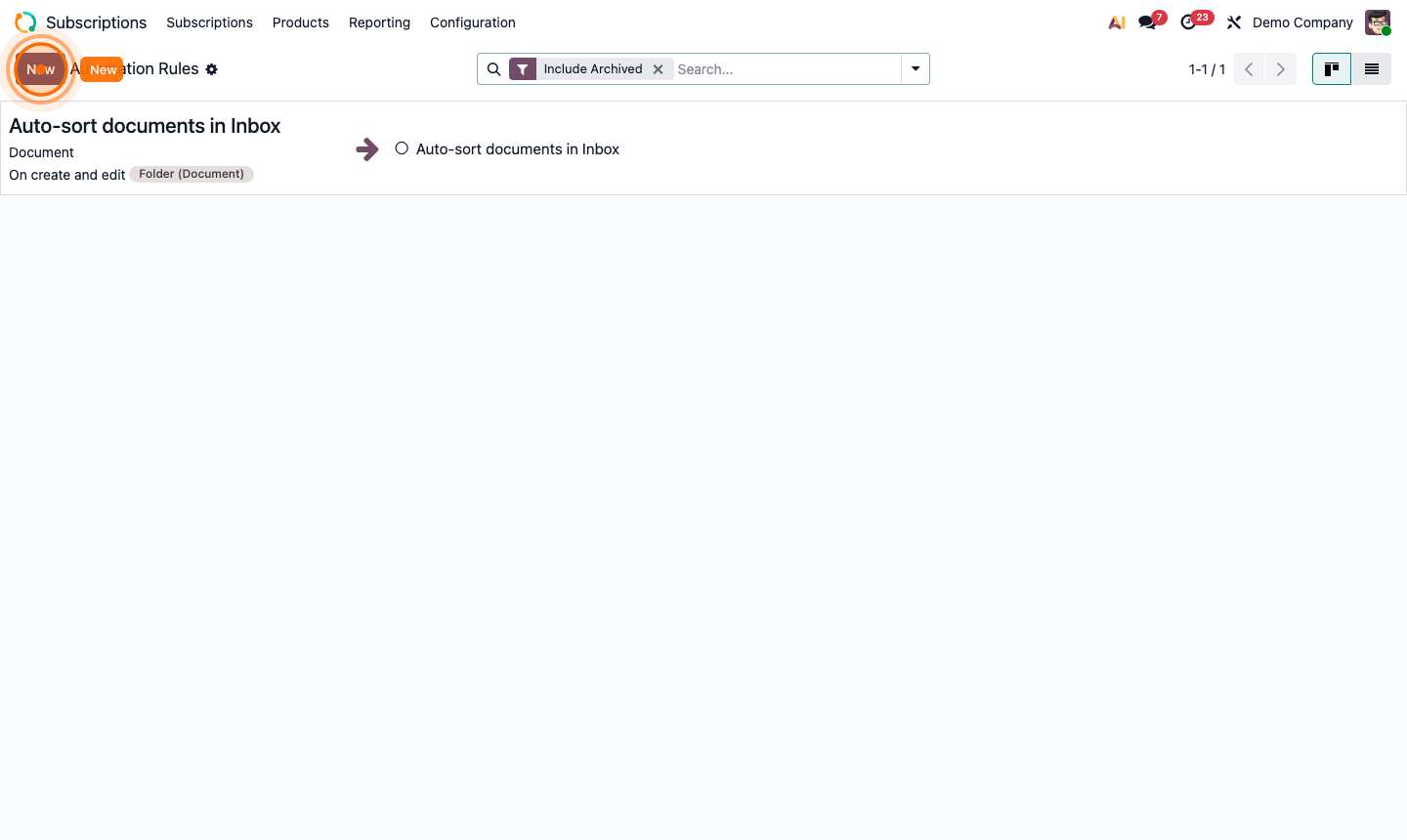
A plan defines the billing cadence and pricing. Click New:
- Name — e.g., “Monthly”, “Annual”, “Quarterly”
- Billing Period — Monthly, Quarterly, Yearly, etc.
- Auto-Close — automatically close the subscription after a set number of billing cycles (useful for fixed-term contracts)
Create at least a Monthly and Annual plan. Annual plans typically include a discount (e.g., 2 months free) to incentivise upfront payment.