Skip to content
CRM

Sales Teams & Territories

CRM

Sales Teams & Territories

Create sales teams, assign members, set revenue targets, and use territories to route leads to the right salesperson automatically.

5 steps Updated Mar 7, 2026 SOP · Standard

Sales teams in Odoo are more than just groups — they have their own pipelines, email aliases for lead capture, and performance dashboards. This guide covers setting up teams, assigning members, and using lead routing to direct incoming leads to the right team automatically.

1

Create a Sales Team

Go to CRM → Configuration → Sales Teams. Click New.

Fill in:

  • Team Name — e.g., “Enterprise EMEA”, “SMB US East”, “Channel Partners”
  • Team Leader — the manager who oversees this team’s pipeline
  • Email Alias — e.g., enterprise@yourcompany.com. Emails to this address create leads assigned to this team automatically.
  • Company — for multi-company setups

In the Members tab, add the salespeople who belong to this team. Members see only their team’s pipeline when the “My Team” filter is active.
Step 1: Sales team configuration form showing team name, leader, alias, and members tab

2

Set Team Targets and Invoiced Revenue

In the sales team form, click the Sales tab:

  • Invoiced Target — the monthly revenue goal for the team (used in the team dashboard)
  • CRM Target — pipeline target

Once targets are set, the team’s CRM dashboard shows a progress bar comparing actual invoiced revenue to target. The team leader sees this at a glance when opening the CRM app.

Step 2: Sales team Sales tab showing invoiced target and CRM target fields with progress display

3

Assign Leads to Teams Automatically

Go to CRM → Configuration → Lead Routing (or Leads Assignment in some versions).

Lead routing automatically assigns new leads to teams and salespeople based on rules. Configure:

Team assignment rules:

  • By Country — route international leads to the right regional team
  • By Lead Source — website form leads → Digital team, trade show leads → Field Sales
  • By Company size — enterprise leads based on turnover or employee count field

Round-robin within teams:

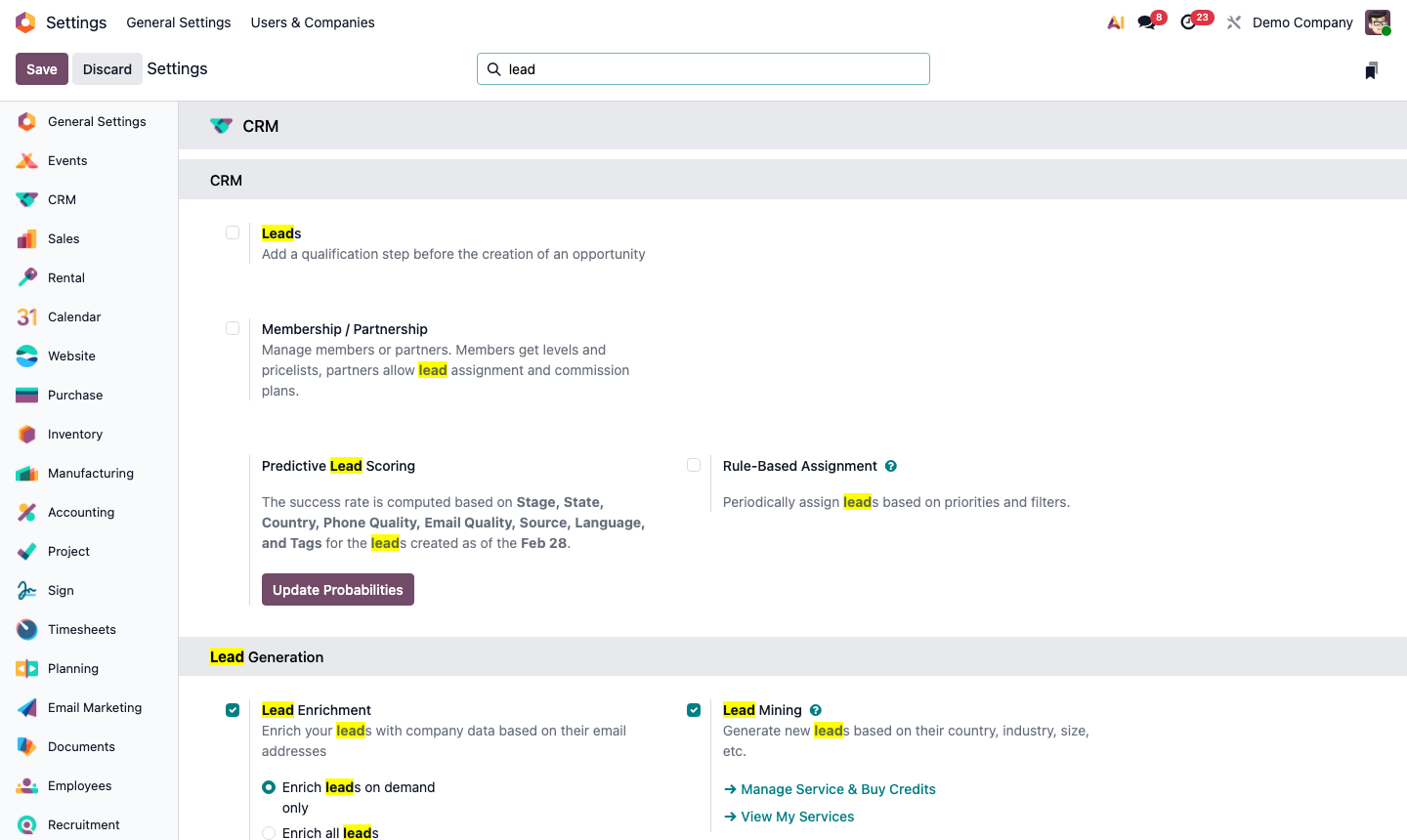
  • Enable Lead Assignment in CRM settings
  • Choose: Recurring (daily/weekly/monthly) or When a lead is created
  • Odoo distributes leads equally among team members, or weighted by capacity

Step 3: Lead routing rules configuration showing country and source-based assignment rules

4

View the Team Pipeline and Dashboard

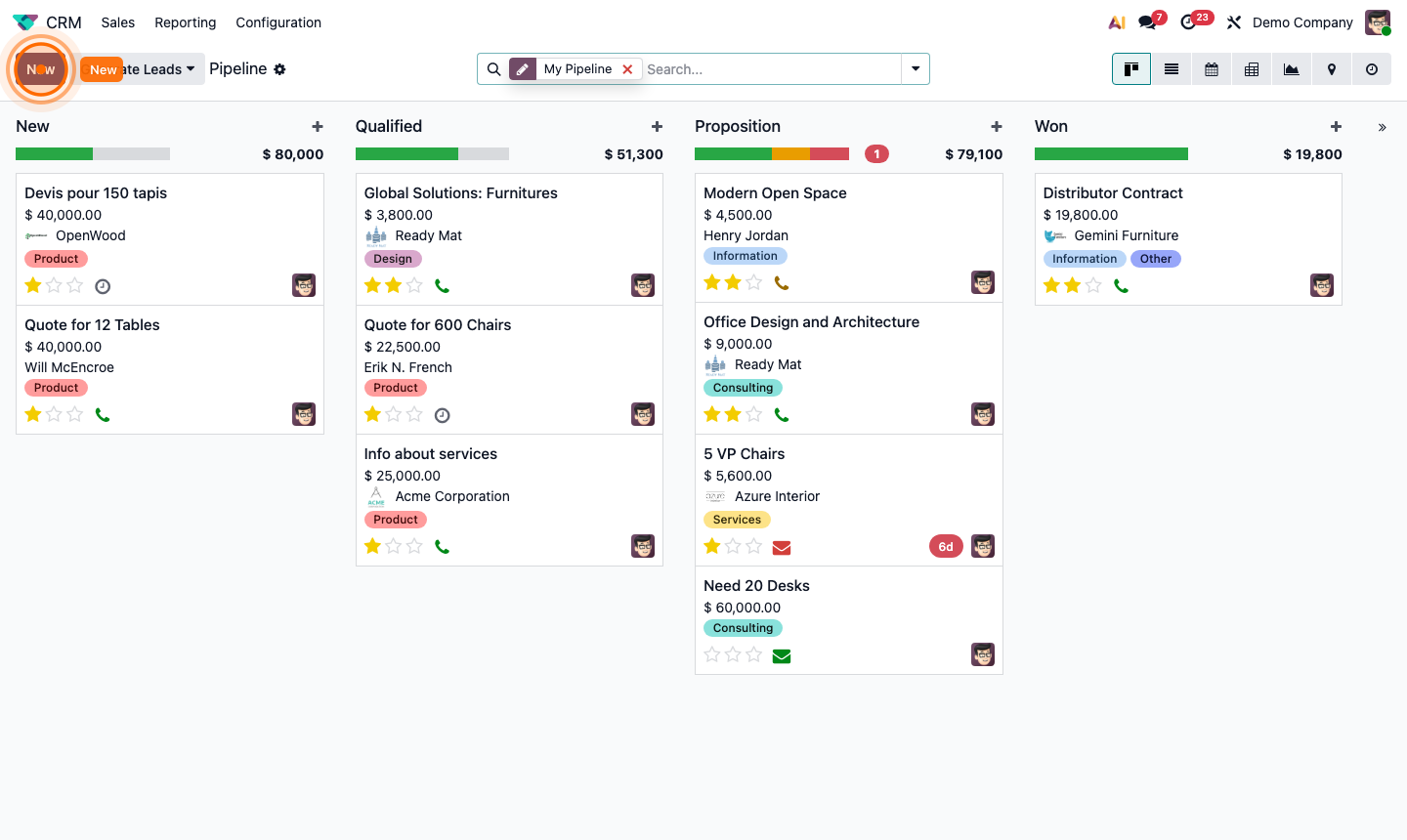
Open CRM and click My Teams → select a specific team, or use the Sales Team filter.

Team leaders also see the CRM Dashboard (CRM → Reporting → CRM) which shows:

  • Pipeline by stage for the team
  • Activities due today and overdue
  • Won deals this month vs. target
  • Individual rep performance bars

Click on any team member’s name to see their personal pipeline and activity queue.

For a team comparison view, go to CRM → Reporting → Sales Analysis and group by Sales Team.

Step 4: CRM team dashboard showing pipeline progress, activity counts, and rep performance

5

Manage Pipeline Visibility and Access

By default, salespeople can see all opportunities in their team’s pipeline. Control visibility with these settings:

Own leads only: Go to CRM → Configuration → Settings → enable Leads AssignmentSalesperson’s Own Leads. Now salespeople only see opportunities where they are the assigned salesperson.

Manager oversight: Sales team leaders automatically see all opportunities in their team. Administrators see all teams.

Multi-team membership: A salesperson can belong to multiple teams (e.g., both “SMB” and “Partnerships”). Their pipeline view shows all opportunities across their teams.

Step 5: CRM settings showing team visibility and lead assignment options