Skip to content
Inventory

Warehouse & Locations

Inventory

Warehouse & Locations

Configure warehouses, set up storage locations, define routes and push/pull rules, and manage multi-warehouse operations.

6 steps Updated Mar 7, 2026 SOP · Standard

Locations are the backbone of Odoo’s warehouse management system. They define exactly where stock is physically stored — from the warehouse level down to individual shelves and bins. Getting your location structure right enables accurate stock reporting and efficient picking workflows.

1

Configure Your Warehouse

Go to Inventory → Configuration → Warehouses.

Each warehouse has:

  • Warehouse Name and Short Name (3-char code, e.g., WH)
  • Company — for multi-company setups
  • Incoming Shipments — 1, 2, or 3 step receiving
    • 1 step: Receive goods directly into stock
    • 2 steps: Unload to Input location → move to Stock
    • 3 steps: Unload → Quality Control → Stock
  • Outgoing Shipments — 1, 2, or 3 step delivery
    • 1 step: Ship directly from stock
    • 2 steps: Pick → Ship
    • 3 steps: Pick → Pack → Ship

For most small/medium businesses, 1-step receiving and 1 or 2-step delivery is appropriate.
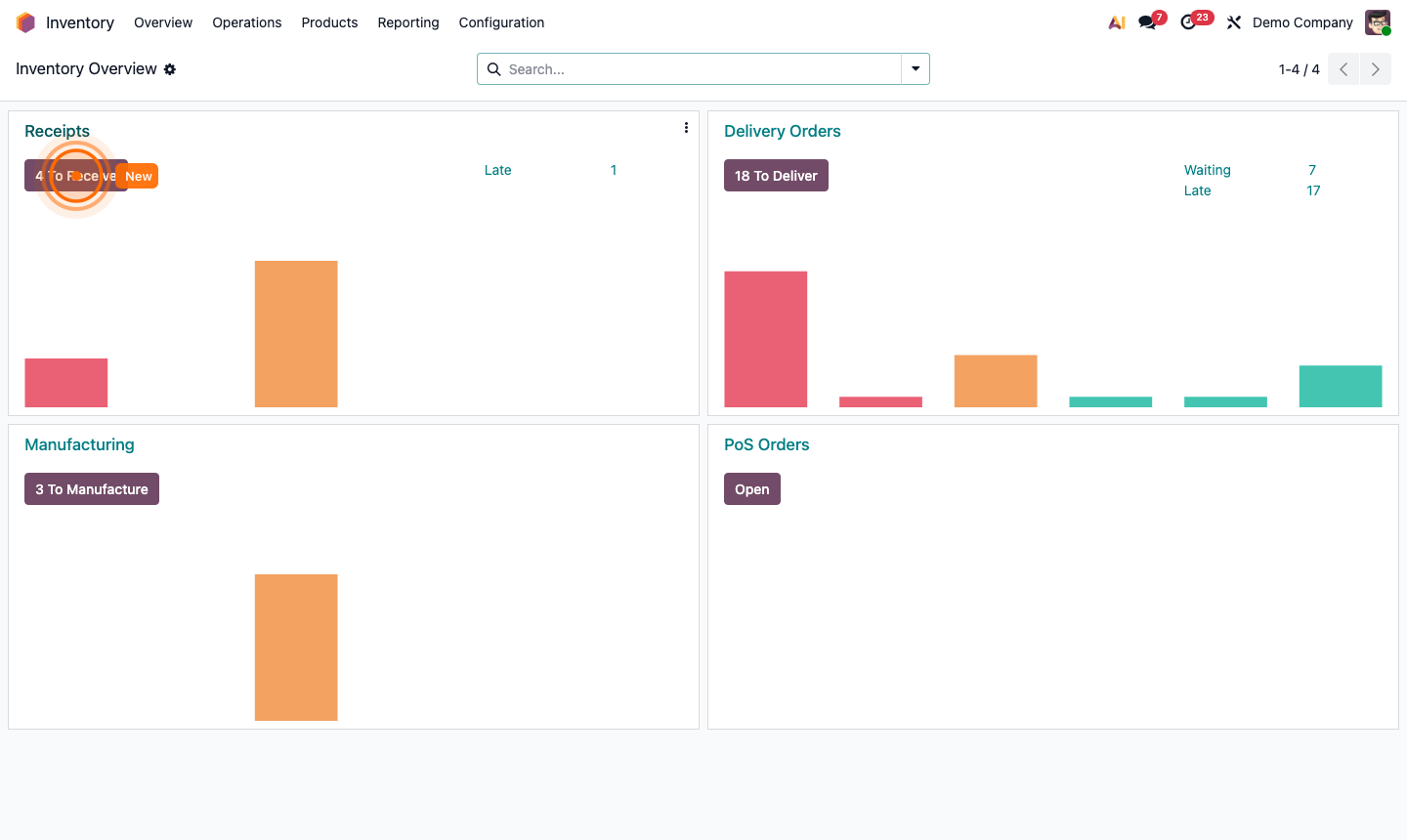
Step 1: Warehouse configuration form showing incoming and outgoing shipment step options

2

Understand Location Types

Go to Inventory → Configuration → Locations (enable developer mode for full access).

Location types in Odoo:

  • Vendor Locations — virtual origin for purchased goods
  • View — parent locations used for grouping (not physical)
  • Internal — physical storage locations inside your warehouses
  • Customer Locations — virtual destination for delivered goods
  • Inventory Loss — used for inventory adjustments
  • Transit — goods in transit between locations
  • Production — raw materials consumed in manufacturing

Internal locations are the ones you’ll create and manage. They form a hierarchical tree: Warehouse → Zone → Row → Shelf → Bin.

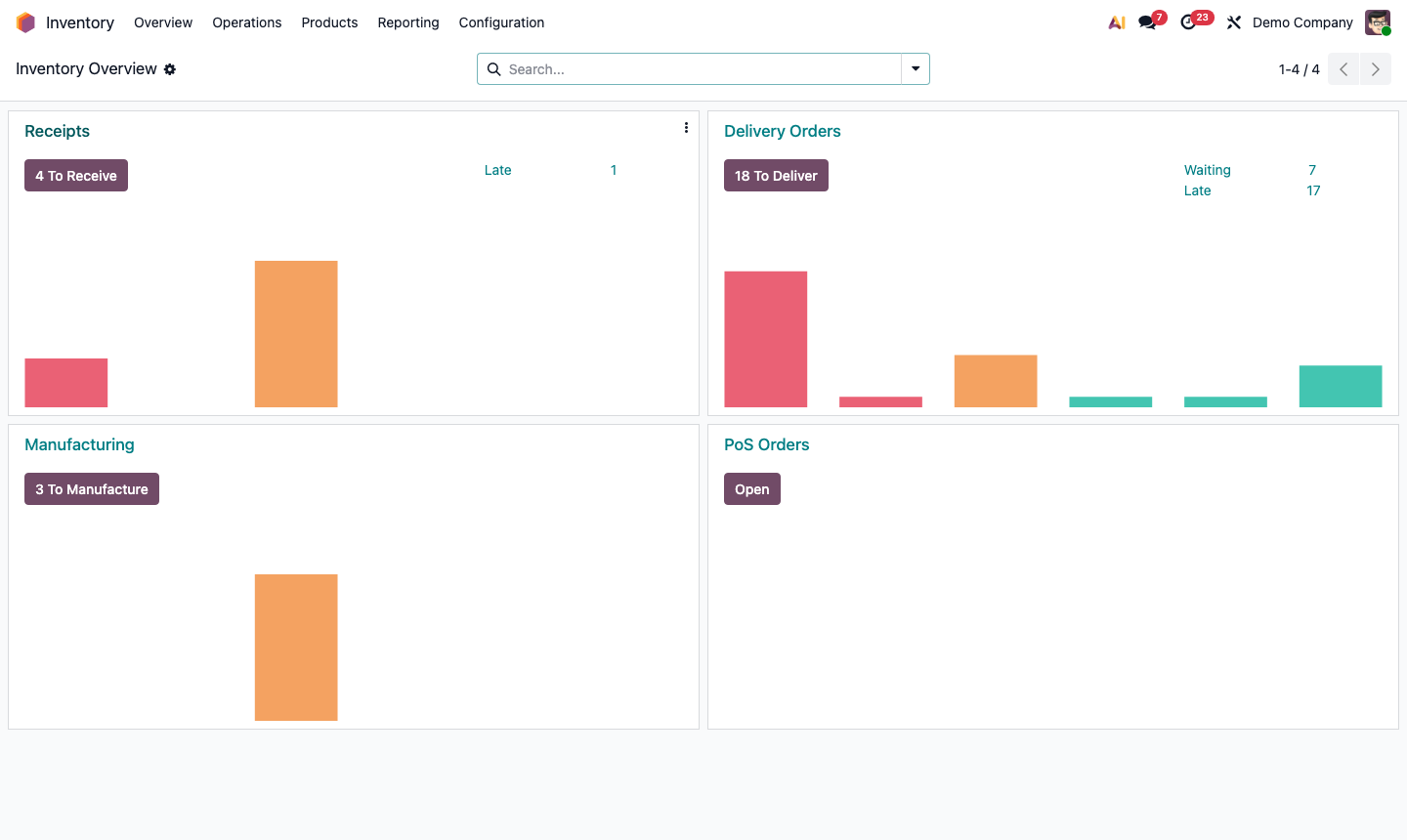
Step 2: Location hierarchy showing warehouse, zones, rows, and bin locations in tree view

3

Create Storage Locations

Under Inventory → Configuration → Locations, find your warehouse’s Stock location and click New (or open the parent and use the “New” button under child locations).

For each location:

  • Location Name — e.g., “Shelf A”, “Row 3”, “Bin A-3-02”
  • Parent Location — the location this is inside of
  • Location Type — Internal
  • Barcode — scan the shelf barcode during picking (optional but recommended)
  • Replenish Location — check this if it’s a front-line location that triggers replenishment from bulk storage

Structure example for a small warehouse:

WH/Stock
  ├── WH/Stock/Zone A (Dry Goods)
  │   ├── WH/Stock/Zone A/Shelf 01
  │   └── WH/Stock/Zone A/Shelf 02
  └── WH/Stock/Zone B (Refrigerated)
      └── WH/Stock/Zone B/Shelf 01

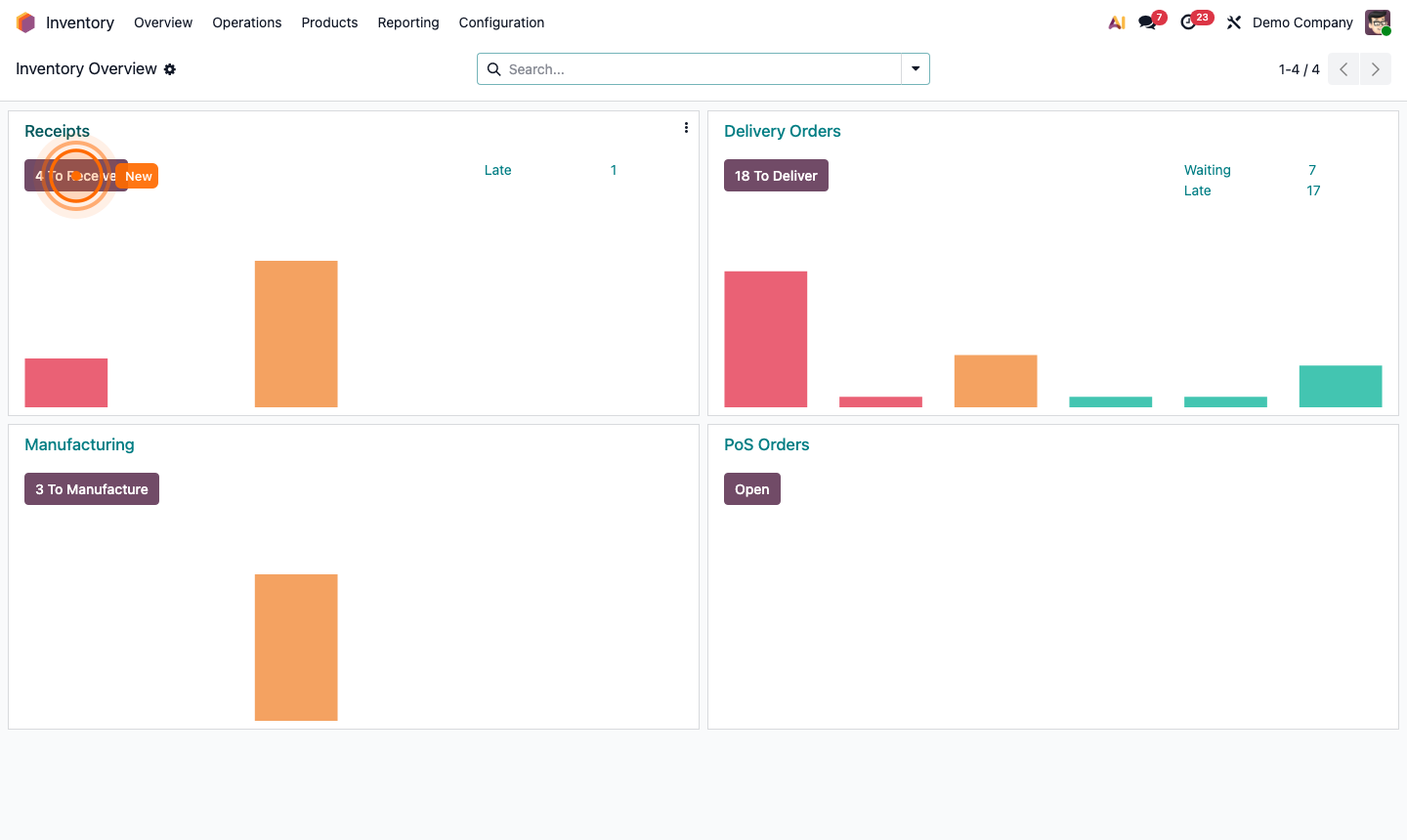
Step 3: New location form showing name, parent, type, and barcode fields

4

Set Up Inventory Routes

Routes define how stock moves through your warehouse — which locations it passes through and in what order.

Go to Inventory → Configuration → Routes.

Standard routes:

  • Buy — triggers purchase orders when stock is low
  • Manufacture — triggers production orders
  • Resupply from — moves stock from one warehouse to another

For each route, you define Rules (push/pull rules):

  • Pull rule — stock is pulled from a source when demand exists (demand-driven)
  • Push rule — when stock arrives at location A, automatically move it to location B (flow-driven)

Example push rule: When goods arrive at “Input” location → automatically move to “Quality Control” → then to “Stock”.

Step 4: Route configuration showing push and pull rules with source and destination locations

5

Perform Putaway Strategies

Putaway rules automatically direct incoming products to specific storage locations instead of the generic “Stock” location.

Go to Inventory → Configuration → Putaway Rules. Click New:

  • Product Category or Product — what to apply this rule to
  • When product arrives in — the receiving location (e.g., WH/Input)
  • Store to — the specific destination (e.g., WH/Stock/Zone A/Shelf 01)
  • Capacity — maximum units this location can hold (optional)

With putaway rules, warehouse staff don’t need to decide where to put things — Odoo tells them (or does it automatically with barcode scanning).

Step 5: Putaway rules list showing product category, arrival location, and destination assignments

6

Set Up Multi-Warehouse Operations

If you have multiple warehouses (or want to add one):

  1. Go to Inventory → Configuration → WarehousesNew
  2. Create the second warehouse with its own short code (e.g., WH2)
  3. Configure incoming/outgoing steps independently per warehouse

Inter-warehouse transfers: On a product’s Inventory tab, enable Resupply from WH → select the source warehouse. When WH2 runs low, a transfer order is automatically generated from WH to WH2.

Multi-warehouse reporting: Use the Location filter in Inventory → Reporting → Inventory to compare stock levels across warehouses.

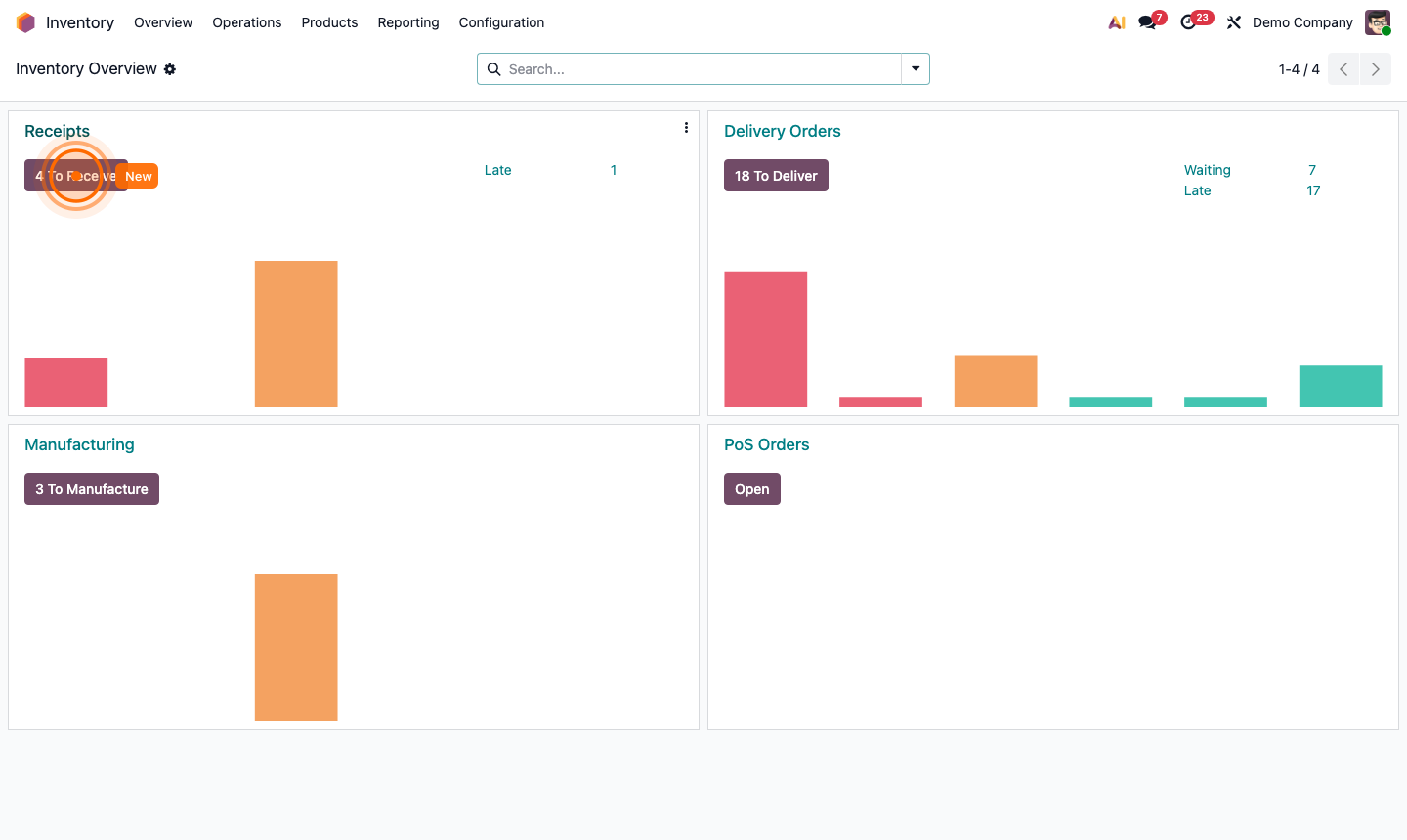
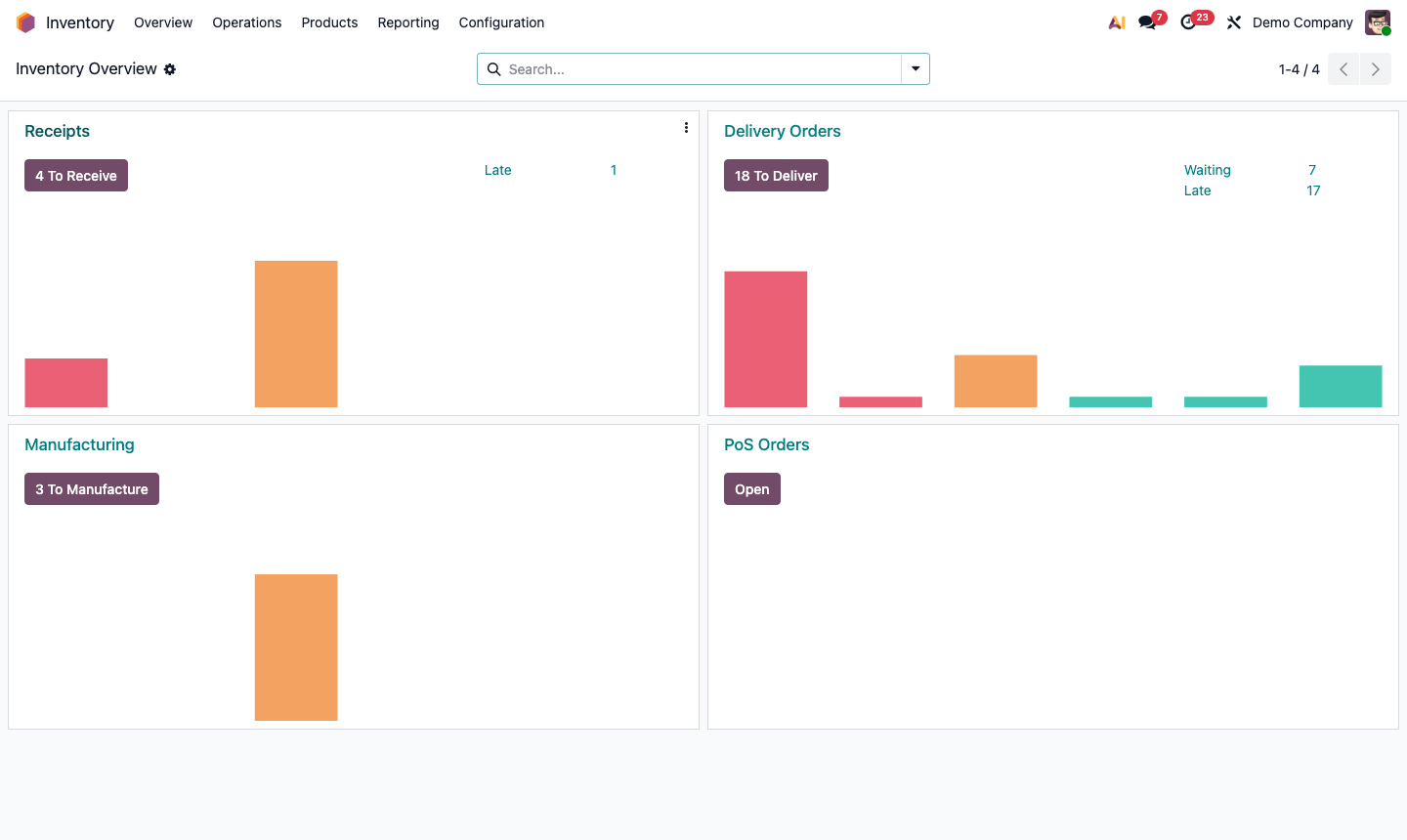
Step 6: Multiple warehouses in inventory overview with inter-warehouse transfer route setup