Enable the Customer Portal
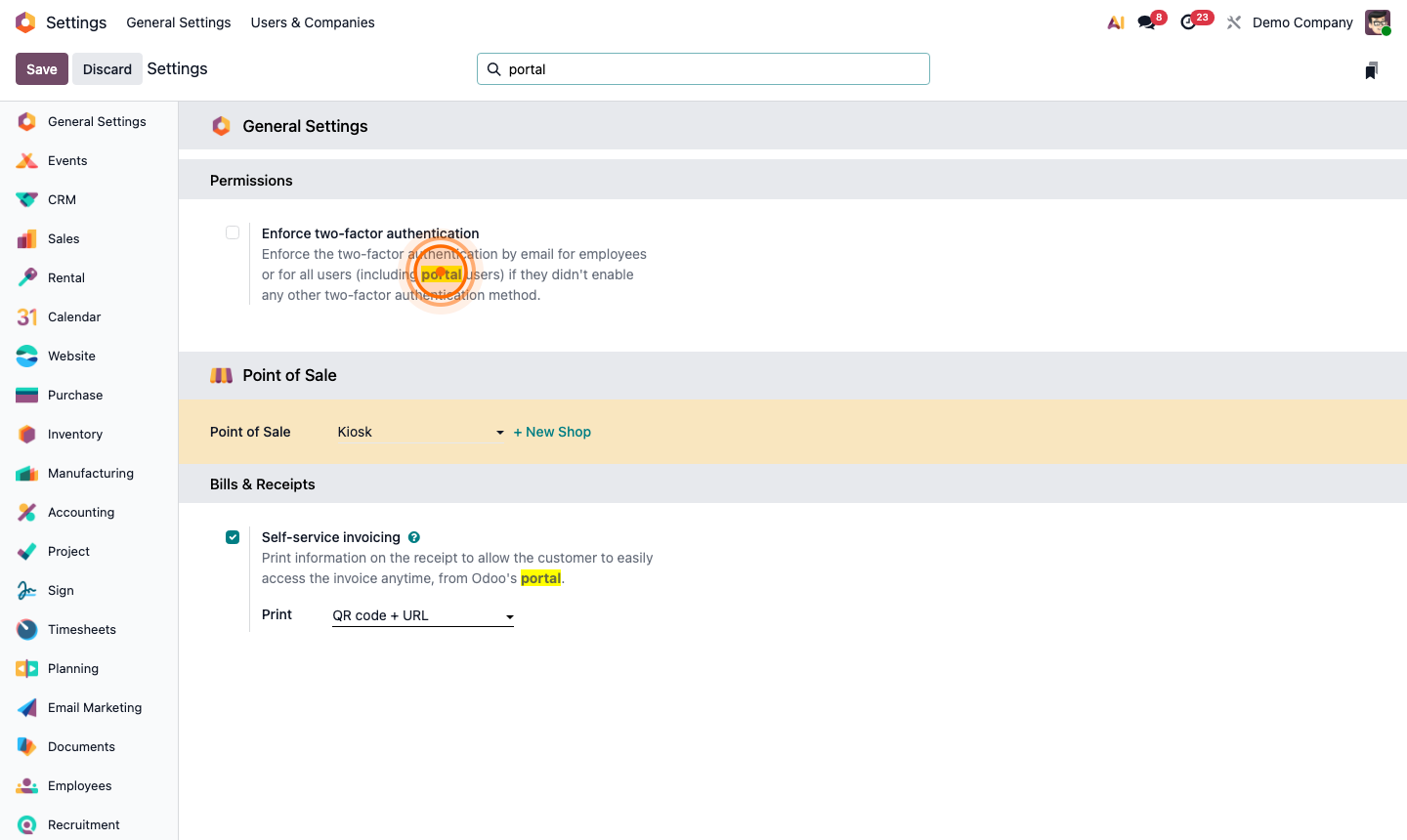
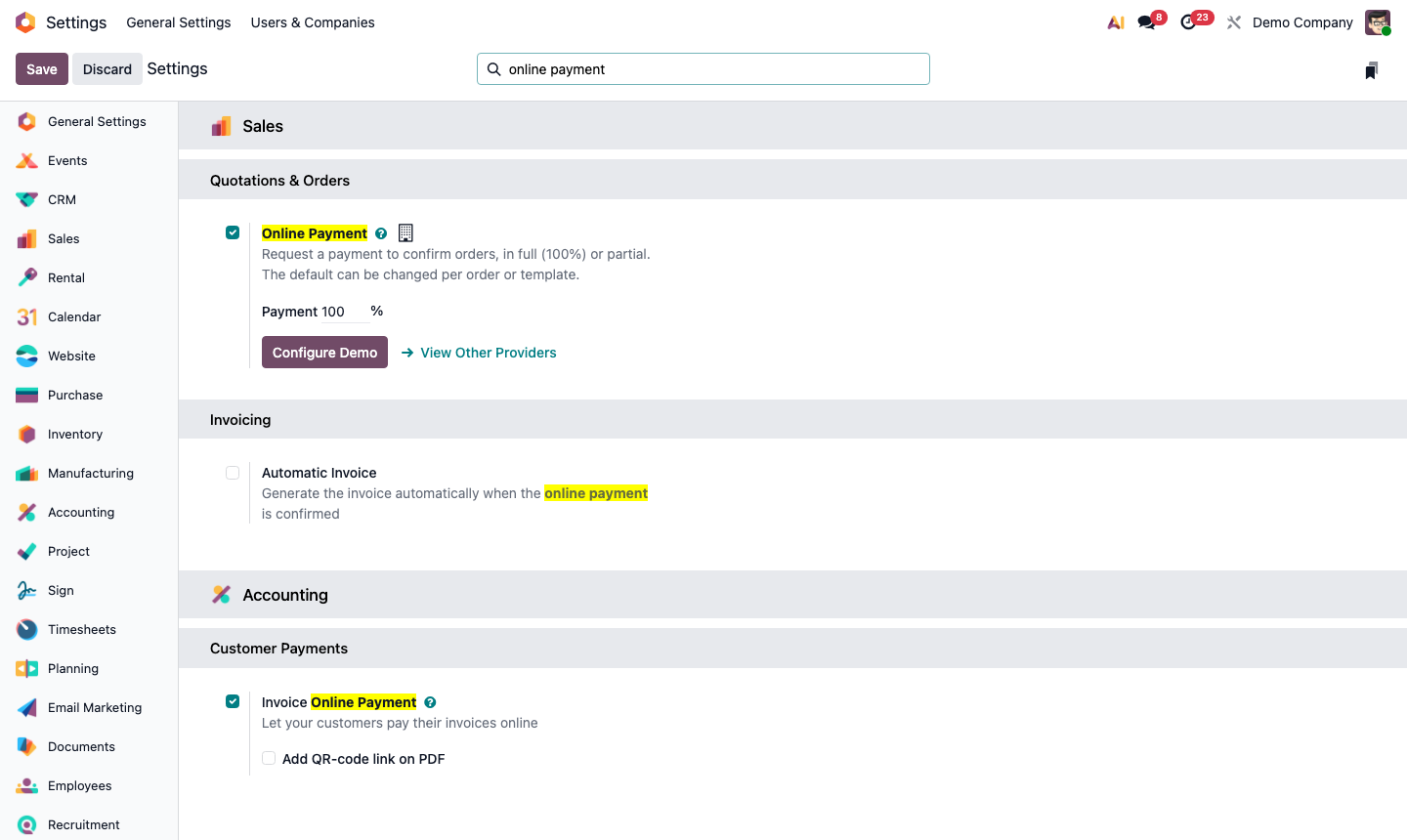
The portal is enabled by default when the Website or Sales module is installed. To confirm:
Go to Settings → General Settings → Permissions. Ensure Customer Portal is enabled.
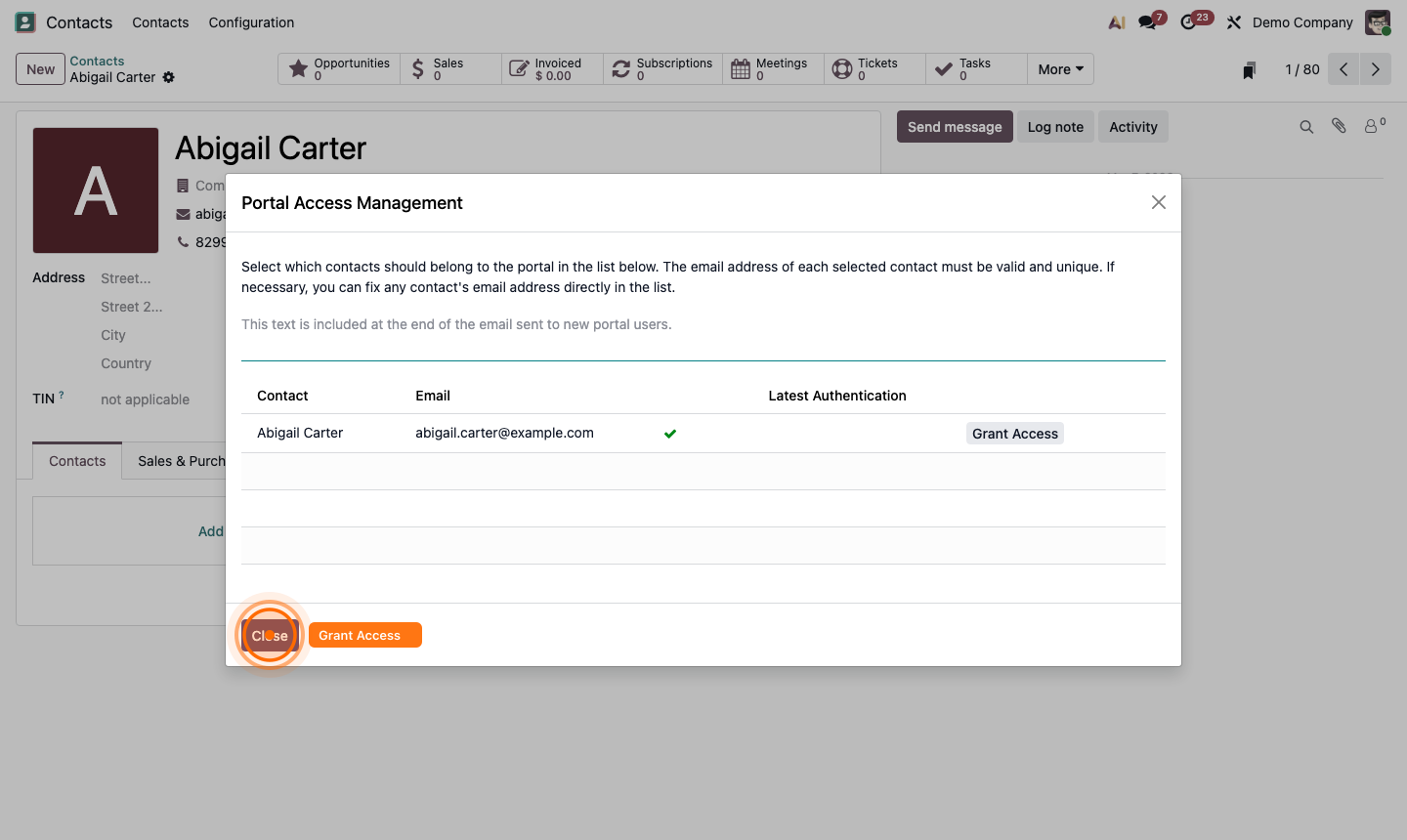
When portal is active:
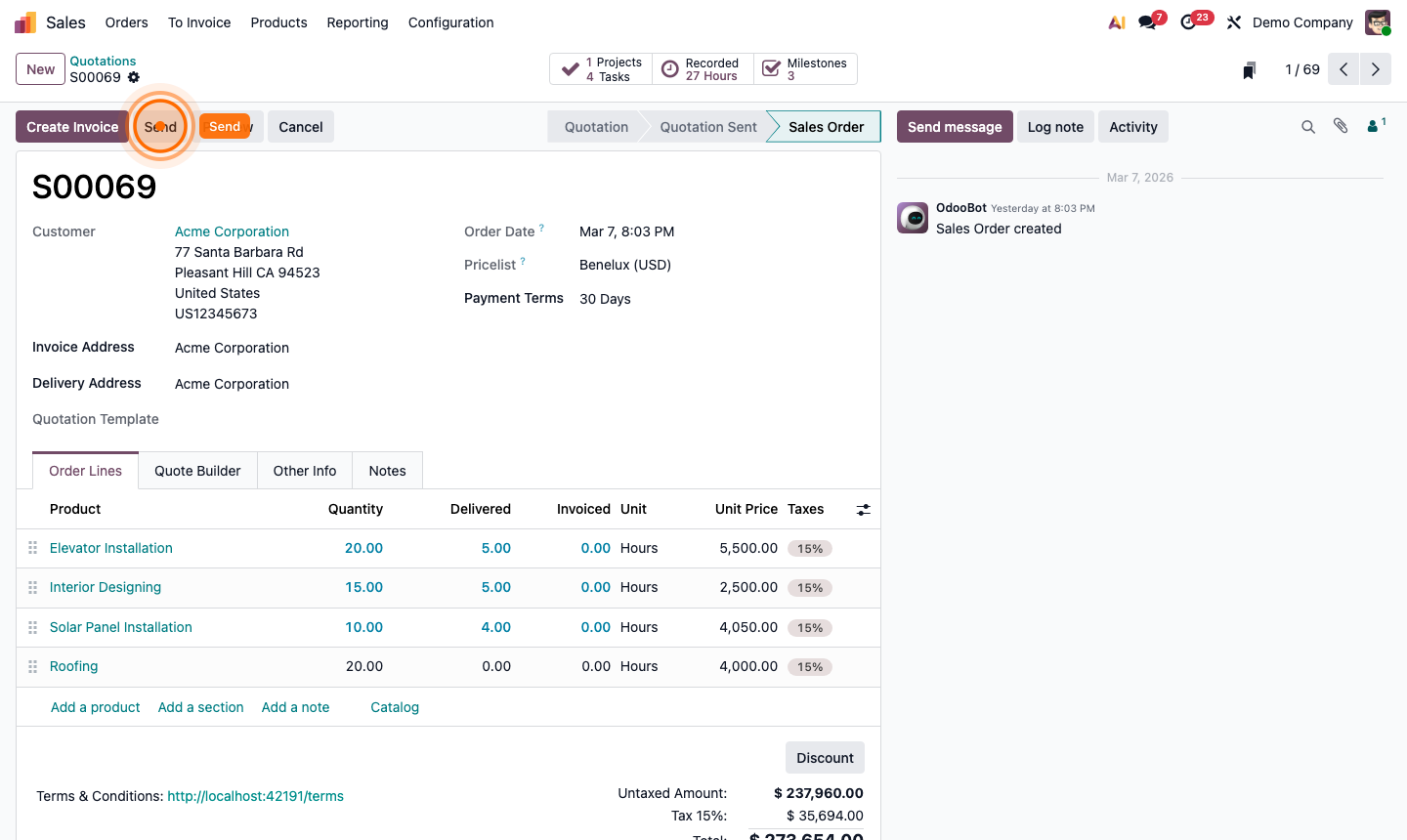
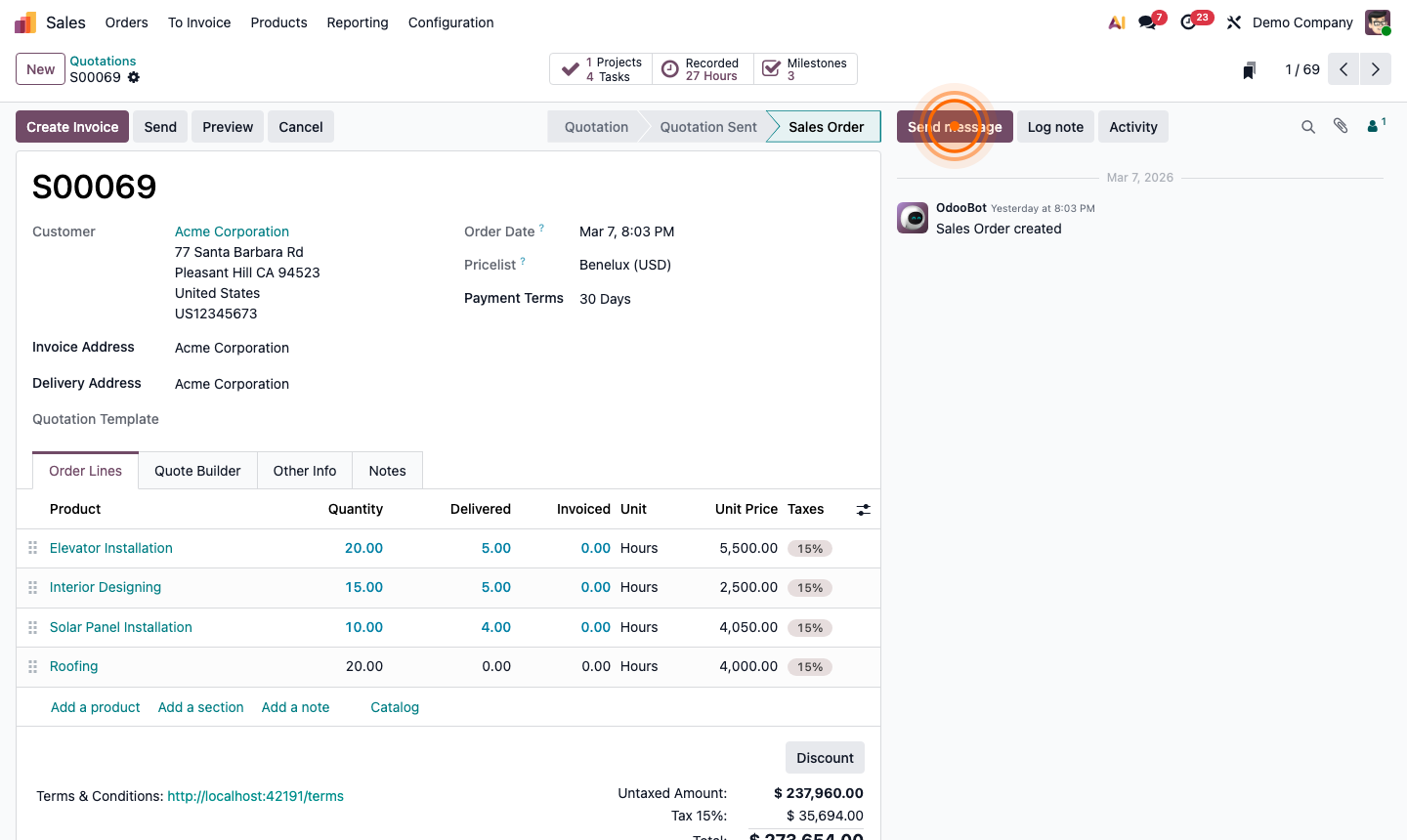
- Customers receive a portal link when you send them a quote or invoice
- They can log in at
yourcompany.odoo.com/web/loginusing their email - Their portal shows all documents linked to their contact: quotes, orders, invoices, delivery notes, helpdesk tickets